
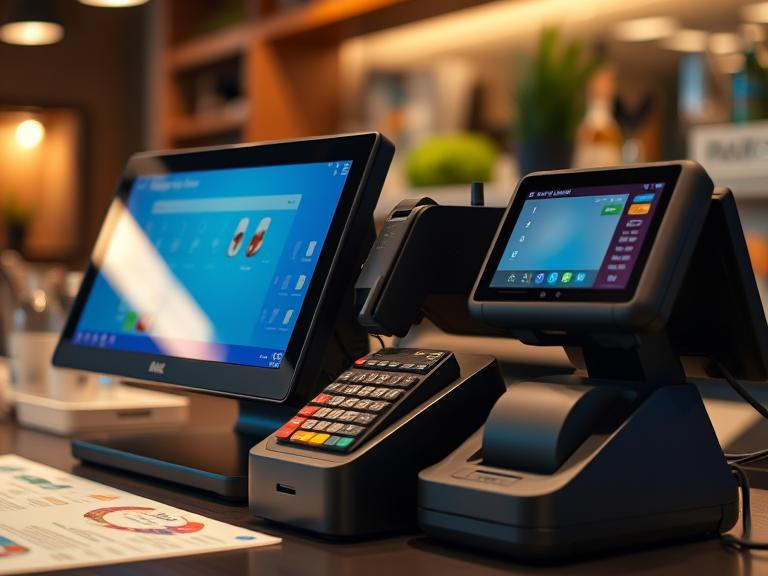
Setting up a POS system can feel like a big expense, especially for small business owners. But the right approach can cut costs without sacrificing quality. If you’re wondering, “How much does it cost to install a POS system?” or “How can I save money in POS?”—this guide has you covered. We’ll break down the setup costs, compare different providers, and share money-saving tips to help you get the best deal.
Breaking Down POS System Costs
What Is the Cost of POS Setup?
The total price of a POS system depends on hardware, software, installation fees, and payment processing charges. Here’s what you need to budget for:
- Hardware: A basic setup includes a tablet, cash drawer, barcode scanner, and receipt printer. Expect to pay $500 to $2,500 depending on the brand and quality.
- Software: Subscription-based plans range from $20 to $300 per month based on features.
- Installation: Some providers offer free setup, while others charge $500 to $1,500 for on-site installation.
- Processing Fees: Every transaction comes with a charge. Rates typically range from 1.5% to 3.5% per transaction.
- Ongoing Costs: Monthly maintenance, updates, and security measures can add another $20 to $100 per month.
How to Reduce POS System Installation Costs
DIY vs. Professional Setup: Which One Saves More?
If you’re tech-savvy, you can set up your own system and skip installation fees. But if you prefer professional help, check if your provider offers free setup. Wondering, “How long does it take to install a POS system?” A DIY setup can take a few hours, while professional installations might require a full day.
Choosing a Cloud-Based or Mobile POS System
Instead of a traditional system, a cloud-based POS saves on hardware costs. Mobile options work on tablets or smartphones, cutting down on expensive registers. If you’re a small business owner asking, “Do you need a POS system for small business?”—a mobile POS might be your best bet.
Taking Advantage of Free Installation Offers
Some providers offer free setup and training as part of their subscription plans. If you’re concerned about “How much does it cost to apply for POS?”—look for companies that waive application and activation fees.
Comparing POS Providers: Which One Saves You More Money?
Is Clover Better Than Square? Which Is Better, Square or Lightspeed?
- Square: Great for small businesses, offers free basic software. How much is Square POS per month? Paid plans start at $29 per month.
- Lightspeed: Advanced features for retail and restaurants. How much is Lightspeed POS per month? Plans start at $69 per month.
- Clover: Offers flexible pricing but requires a long-term contract.
- Shopify POS: Best for online businesses with physical stores. Which is better, Shopify or Lightspeed? Shopify is better for e-commerce, while Lightspeed suits brick-and-mortar businesses.
Leasing vs. Buying a POS System: What’s More Cost-Effective?
How Much Does It Cost to Rent a POS System?
Leasing a POS system costs $30 to $100 per month, depending on the provider and equipment. Renting works well if you’re testing a new system, but long-term, buying can save more money.
Buying vs. Renting: Which One Makes Sense for You?
- Buy if: You plan to use the system for more than 2 years.
- Rent if: You run seasonal sales or need a temporary solution.
How to Start a POS Business on a Budget
How Much Can I Have to Start a POS Business?
Starting a POS business can cost between $1,000 and $10,000, depending on software, licenses, and marketing. If you’re asking, “How much does a POS system for a bar cost?”—expect a higher price due to industry-specific features like inventory tracking and tab management.
Common Mistakes That Increase POS Setup Costs
- Overpaying for features you don’t need.
- Ignoring hidden fees. Some providers charge extra for updates and customer support.
- Skipping compatibility checks. Make sure your new system works with your existing hardware.
Final Money-Saving Tips for POS Installation
- Look for discounts on refurbished hardware.
- Consider open-source POS software.
- Bundle services to get a better deal.
Conclusion
Setting up a POS system doesn’t have to break the bank. By choosing the right provider, skipping unnecessary costs, and exploring free setup options, you can keep expenses low. Ready to find the best POS system for your business? Compare providers today and start saving!
FAQs
How much does it cost to install a POS system?
The cost varies based on hardware, software, and provider fees. It typically ranges from $500 to $2,500 for setup and installation.
How can I save money in POS installation?
You can save by choosing a cloud-based system, installing it yourself, using refurbished hardware, or opting for free setup offers from providers.
Do you have to pay monthly for a POS system?
Yes, most POS providers charge a monthly fee for software and payment processing, ranging from $20 to $300 per month.
Which is better, Square or Lightspeed?
Square is ideal for small businesses with free basic software, while Lightspeed offers advanced features for retail and restaurants.
How long does it take to install a POS system?
A DIY installation can take a few hours, while professional installation might require a full day depending on system complexity.

