
Running a business takes a lot. You sell stuff, talk to customers, track what you have in stock, and keep an eye on your money. Your POS system helps with some of that—but if it’s not connected to your other tools, you’re probably wasting time and doing extra work.
This article shows you how to make your POS system work better by linking it with your other tools. No tricky words. No confusing tech talk. Just simple steps and real help.
What Is a POS and Why Does It Matter If It’s Connected?
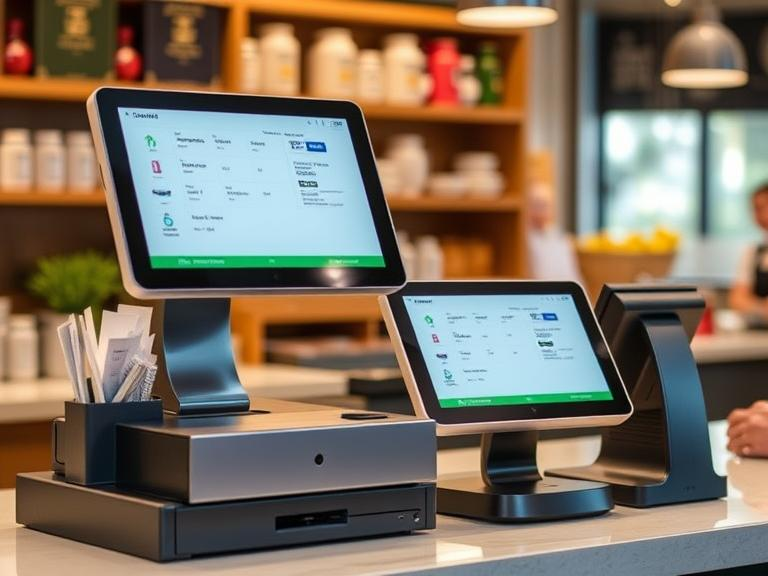
A POS (Point of Sale) system is what you use to sell things to your customers. It’s usually a machine, app, or software that lets you scan items, take payments, and print receipts.
But here’s the thing: Most business owners use more than just a POS. You probably use other tools too—like one for tracking inventory, one for accounting, one for your website, and maybe one for customer info. If those tools don’t talk to each other, you’re stuck doing everything twice.
Connecting your POS to those tools means you only enter things once. It also helps your business run faster and with fewer mistakes.
Why Connecting Your POS to Other Tools Makes Life Easier
Let’s say you sell a pair of shoes in your store.
- Your POS sees the sale.
- But does your stock count go down?
- Does your website update so you don’t sell it again online?
- Is the sale recorded in your books?
If your systems are connected, all of that happens automatically. No extra work. No guesswork.
Benefits include:
- Fewer mistakes: Everything updates at once.
- Faster reports: You can see your sales, stock, and income in real time.
- Better customer service: Your staff can check past orders or offer rewards easily.
- Less stress: You won’t need to fix errors every day.
Tools You Can Connect to Your POS
Here are the main tools that can work with your POS:
- Inventory Management
- Tracks what you have and what’s low.
- After each sale, your stock updates automatically.
- Accounting Software
- Like QuickBooks or Xero.
- Tracks your money and helps with taxes.
- Sales info moves from your POS to your books without retyping.
- Customer Info Tools (CRM)
- Saves names, emails, and buying habits.
- Helps you send birthday offers or thank-you messages.
- Online Stores
- Like Shopify or WooCommerce.
- Makes sure your online and in-store stock are the same.
- Payment and Rewards Apps
- Helps with gift cards, coupons, and different ways to pay.
- Makes checkout smoother.
- ERP Tools (for big businesses)
- Puts sales, stock, staff, and money all in one place.
How Can You Connect Them?
There are a few easy ways to make your POS work with other tools:
- Built-In Options
- Some POS systems already connect with popular tools.
- You just go into the settings and turn them on.
- Helper Apps (like Zapier)
- These pass info between apps.
- They’re like little messengers that link your tools together.
- Custom Work
- If your tools don’t work together, a tech person can build a special connection.
- Costs more, but sometimes it’s the only way.
Steps to Get Started
- Make a List
- Write down every tool you use: POS, stock tracker, accounting, website, etc.
- Check Your POS Settings
- Look for “integrations” or “connections.”
- See what tools your POS already supports.
- Ask for Help If Needed
- Contact your POS company and ask, “Can I link this to my accounting tool?”
- Use a Third-Party App If Needed
- Look at tools like Zapier or Pabbly. They can help connect apps that don’t work together yet.
- Test It Out
- Make a sale. See if it updates in your other tools.
- Fix anything that doesn’t work right away.
- Teach Your Team
- Show your staff what’s new and how to use it.
Things to Watch For
Connecting tools can save time, but it’s not always perfect. Watch out for:
- Outdated Software: Some old systems can’t connect with anything.
- Bad Connections: Sometimes data doesn’t go through right.
- Extra Costs: Some tools charge to connect with others.
- No Support: If something breaks, you need a company that helps you fix it.
How This Helped Real Businesses
- A coffee shop used to type daily sales into QuickBooks. After connecting their POS, they saved hours each week.
- A fashion store’s website always had the wrong stock. Once they linked their POS, online orders became smoother.
- A local bookstore started tracking loyal customers and offering rewards automatically. That boosted repeat sales.
Best POS Systems That Connect Easily
- Square: Great for small shops. Works with lots of apps.
- Shopify POS: Best for people who also sell online.
- Lightspeed: Good for restaurants and retail.
- Toast: Perfect for food businesses.
Before picking one, always check if it works with the tools you already use.
Common Questions
- Can I connect my old POS? Maybe. But some systems are too old. Ask your provider.
- Will this cost a lot? Some connections are free. Others cost money or need custom work.
- Is it safe? Yes—if you use trusted platforms and keep your logins secure.
Final Tip and Call to Action
If your POS is working on its own, now’s a good time to change that. Start with one connection—maybe your accounting tool or your inventory system. Once that works, keep going.
You’ve got enough to do already. Let your tools do more so you can focus on growing your business.
Need help choosing the right tools? Send us a message. We’re happy to walk you through it.

