
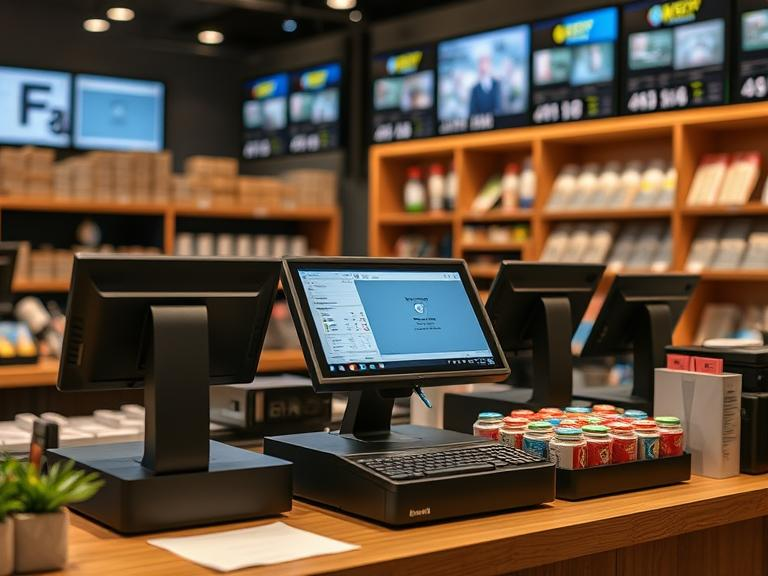
Selling at an event can feel like chaos. Crowds, long lines, missing cash, no clear idea of what’s selling or what’s left in stock. A good POS (Point of Sale) system can fix all of that.
Let’s talk about how this simple tool makes selling at events faster, easier, and way more profitable.
What Is a POS System?
A POS system is what sellers use to take payments. Think of it like a cash register, but smarter. It might be a mobile app, a handheld device, or a tablet with a card reader. Some even work without Wi-Fi and update later when connected.
Instead of writing down sales or using a basic calculator, a POS system tracks sales, counts items, takes card payments, prints receipts, and even shows you which product sells best.
Problems Sellers Face at Events Without a POS
Without a POS, selling gets messy. Here’s what can go wrong:
- Long lines because payment takes too long
- Running out of items and not realizing it
- Missing sales because you can’t take card payments
- Confusing totals and change errors
- No way to check how much you sold or what people liked
All of these problems mean lost money and frustrated customers.
How POS Systems Help You Sell More at Events
Fast Payments Mean More Sales
Nobody likes waiting in line. A POS lets you take payments quickly with cards, phones, or even QR codes. People don’t always carry cash, so giving them more ways to pay means you don’t miss out.
You can even take payments offline if the internet is spotty. The system stores the info and updates once you’re back online.
Keeps Track of Every Item
When you sell hotdogs or T-shirts or candles, you need to know how much is left. A POS updates your stock each time you make a sale. So you’ll know what’s running low and when to restock—or stop selling.
Tells You What’s Selling and When
A POS shows you which products sell fast, what time of day is busiest, and how much money you’re making. That info helps you plan better for your next event.
You can bring more of what sells well and skip the stuff nobody buys.
Shorter Lines and Happier Customers
Long lines make people leave. When sales move faster, people stay in line. They might even buy more while they wait. A POS makes the checkout quick and smooth, which keeps the crowd happy.
Helps Your Staff Do Better
Your workers can use the POS to take orders, ring up sales, or check stock. You can also see who sold what, which helps with rewards or training. It’s easier to trust your team when the system shows you what’s happening.
What Features Help the Most at Events?
Not all POS systems are the same. Here’s what to look for if you’re selling at festivals, fairs, markets, or games:
- Mobile payment tools: small devices or apps that fit in your pocket
- Offline mode: for places with bad internet
- QR code checkout: fast, no contact, easy
- Custom pricing: adjust prices or run discounts on the fly
- Tipping options: let people tip your team easily
- Inventory alerts: know what’s running out before it’s gone
- Ticketing links: connect sales to entry tickets or passes
Real-Life Examples That Show the Difference
1. Music Festivals
Vendors at a summer festival used mobile POS devices. They cut lines in half, sold more merch, and tracked best-selling shirts. No more guessing what to print for the next show.
2. Food Truck Events
Food trucks used to take only cash. After switching to POS systems, sales went up because people could pay with cards or phones. Some even added tips.
3. Trade Shows
At busy booths, POS systems let sellers move fast and collect emails for future deals. That helped with repeat customers.
4. Sports Games
Snack sellers at a stadium used tablets and QR codes. Sales jumped because fans didn’t need to leave their seats to order.
POS Systems That Work Well for Events
There are many POS brands, but here are a few that are popular with event sellers:
| POS System | Best For | Good To Know |
|---|---|---|
| Square | New sellers or small setups | Simple, works offline |
| Shopify POS | Sellers with online stores too | Syncs online and offline sales |
| Clover | Full-feature booths or food vendors | Custom add-ons available |
| Toast | Food and beverage events | Built for restaurants |
Pick the one that fits your needs. Think about internet access, product type, and staff size.
What to Look for Before Choosing a POS
Before picking a system, ask these:
- Will it work if the Wi-Fi drops?
- Can I track inventory in real time?
- Does it take all kinds of payments?
- How easy is it to train someone to use it?
- Does it give me reports on what sold?
A smart pick here saves a lot of headaches later.
What’s Next for POS and Event Sales?
POS tools keep getting better. Some now suggest items to upsell or let people order with their face or phone. Many have digital receipts only, which is good for saving paper.
Others connect to your email tools, so you can send deals after the event and turn a one-time buyer into a repeat one.
Final Thoughts
If you sell at events and still take cash in a box, you’re missing out. A good POS system doesn’t just help with payment. It helps you make more sales, keep better track of your stuff, and give your customers a smoother buying experience.
It’s not about being fancy. It’s about making selling easier.
Ready to Sell Smarter at Your Next Event?
Want fewer problems and more sales at your next event? It starts with the right POS. Choose one that fits your setup, try it out, and see how much smoother your day goes.
Don’t wait until the next big event to find out what you’re missing.
FAQs
- What is a POS system for events?
A POS system is a tool that helps you take payments, track sales, and manage inventory when selling at events. - Do I need a POS system to sell at events?
If you want faster payments, fewer mistakes, and happier customers, a POS system is a smart choice for events. - Can POS systems work without internet?
Yes, many POS systems offer offline mode, so you can still take payments and sync later when you’re online. - Which POS system is best for small event vendors?
Square is a great option for beginners. It’s simple, works on mobile devices, and handles all basic needs. - How does a POS system help increase event sales?
It speeds up checkout, tracks your best-sellers, and gives you real-time data to make smarter decisions.

